The short answer
The Jeep remote matters more than its size suggests. It unlocks the car, gets the engine running and protects the vehicle from theft. Its cell wears out in time, and when it does the remote can quit, so you may be left standing outside the car or unable to drive off.
Below you will learn how to change the cell yourself, one stage at a time, plus some tips to head off future trouble and where in the UAE to find battery replacement help if things go wrong.
Clues the Remote's Cell Is Failing
Before you open anything, check for these clues:
- Little or no response: a press of the buttons fails to open the doors or start the engine.
- A faint or flickering light: the LED on the remote is dim or dead.
- Patchy behaviour: it works one moment and not the next.
- A dashboard alert: some Jeep models warn you when the remote's cell is low.
Spot any of these and swap the cell now, before you find yourself shut out.
What You Need
The job is easy and needs just a few things:
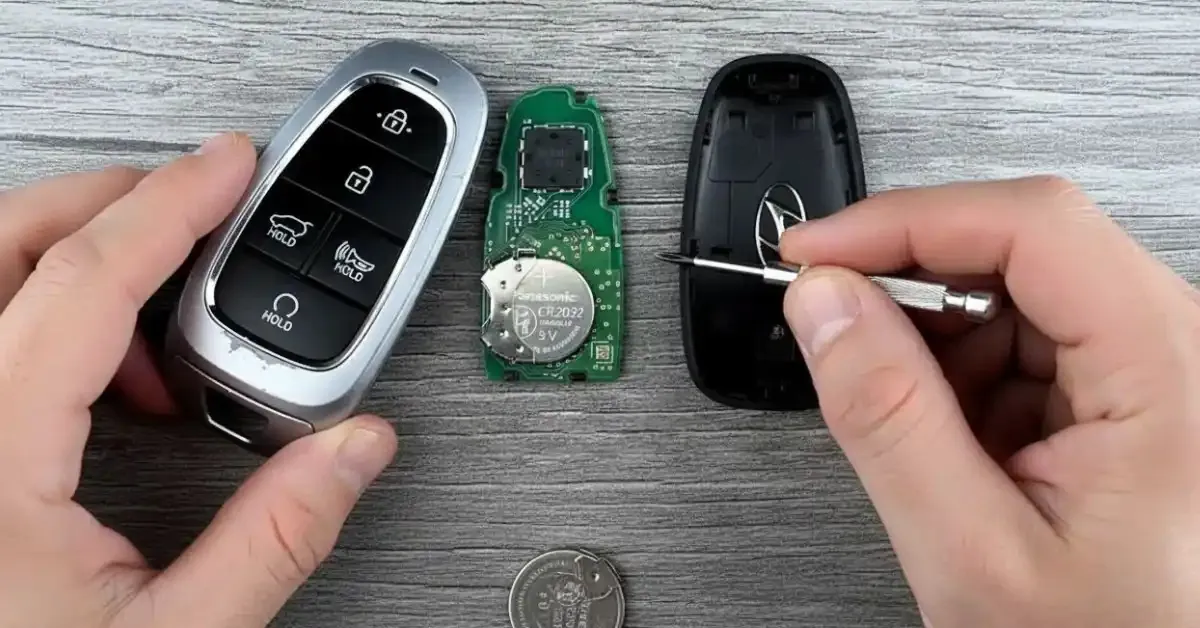
- A coin or small flathead screwdriver
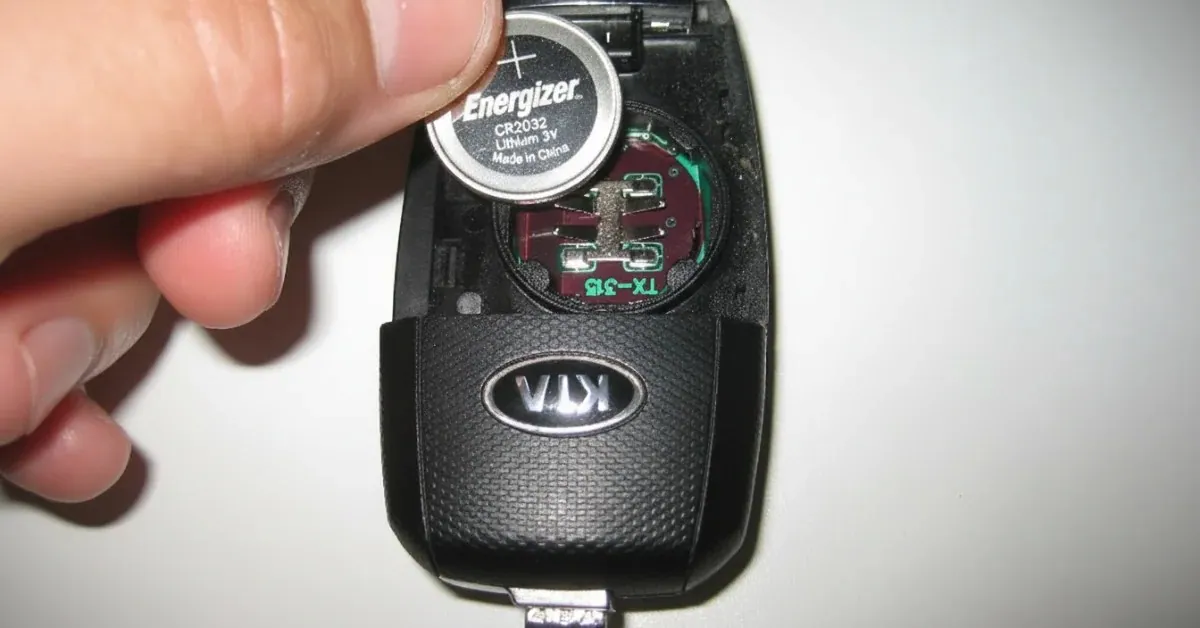
- A replacement cell: a CR2032 or CR2450 in most cases (look at the old one)
- A clean, dry cloth for handling it
Getting the right cell matters more than people think. The wrong size can harm the remote or stop it working properly, so compare the code on the old one before you buy.
Changing the Cell, Stage by Stage
Take these steps carefully:
- Open the remote:
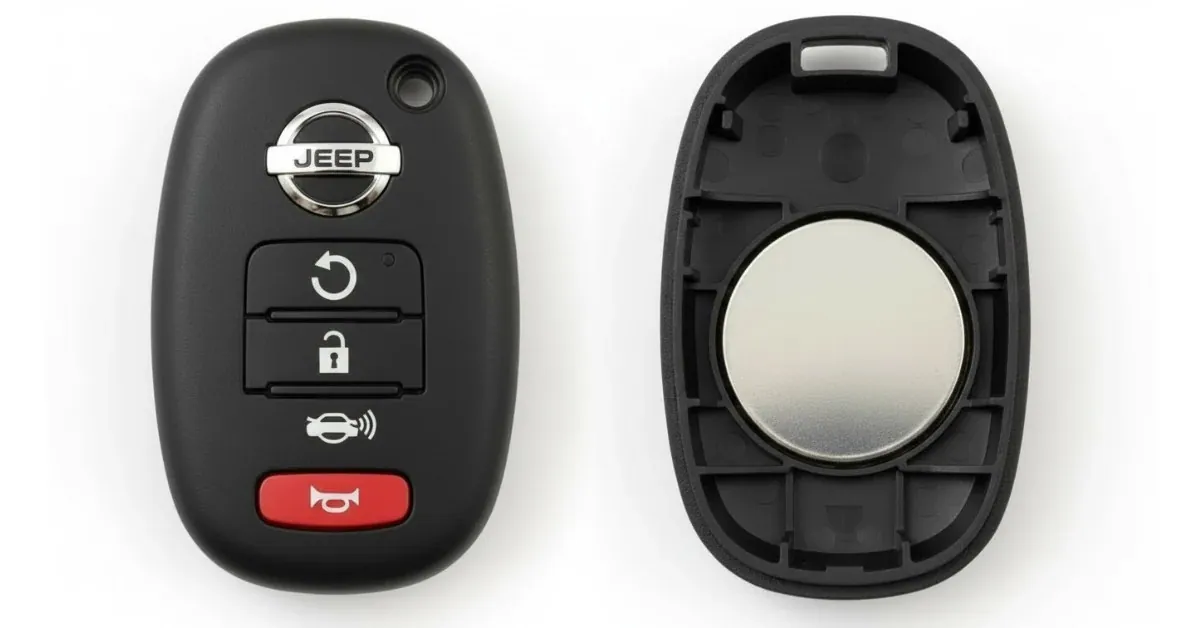
- Ease the case apart with a coin or small flathead screwdriver. Most Jeep remotes have a small slot made for this.
- Take out the old cell:
- Lift it out gently, noting which face is positive and which negative so the new one goes in correctly.
- Fit the new cell:
- Set it in the same way round as the old one, and check it sits firmly in its compartment.
- Close the remote:
- Squeeze both halves until they snap shut with no gap left anywhere along the seam.
- Test it:
- Press the buttons and check the Jeep reacts. If it does not, look again at the cell's orientation and contacts.
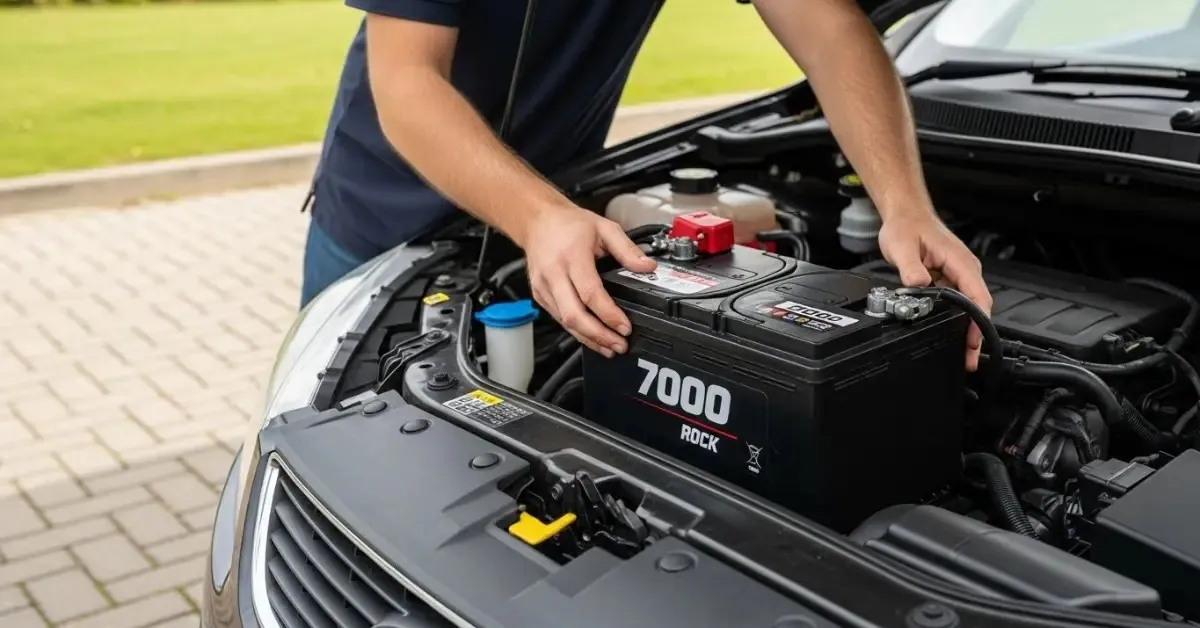
Tip: a Jeep that stays unresponsive once the remote has a new cell may have a low car battery as well, in which case a jumpstart is worth calling.
Keeping the Cell Going Longer
The swap is simple, but these habits help the cell last:
- Try not to drop the remote; knocks can damage the cell contacts.
- Take the cell out if the remote will sit unused for a long spell.
- Keep it away from water and intense heat.
- Check the cell from time to time, particularly if the remote starts reacting slowly.
These small precautions spare you lockouts and needless disruption.
When to Bring in a Professional
A new cell does not always fix it. Should your Jeep key fob keep failing after the swap, you may need expert help. These UAE services are worth knowing:
- Roadside assistance: for when you are stuck outside the car and need help at once.
- Emergency fuel delivery: fuel brought to where you are, so you are not stranded on the road.
- Jumpstart service: when a weak car battery is what keeps the Jeep from starting, a jumpstart sorts it out quickly.
With these on hand you are never left stuck, whether you are at home, at work or out driving somewhere new.
More Ways to Look After the Remote
- Keep it somewhere safe where it will not get knocked to the floor.
- Keep it away from magnets and powerful electronics.
- If you see corrosion or damage, have it checked straight away.
A little regular care stops the cell draining early and keeps the remote itself working for longer.
Conclusion
Replacing the cell in a Jeep remote is easy once you know the steps. Watch for the warning signs, buy the correct cell and handle the remote gently. If you still hit problems, services across the UAE can get you back on the road fast.
Stay prepared and look after the remote, and your Jeep will be ready whenever you are.
Battery trouble in Dubai? We come to you.
On-site testing, replacement and roadside help, 24/7 across the city.