The short answer
Standing beside a locked car because the key cell has died is no fun, and plenty of Hyundai owners in the UAE go through it at some point. The good part: swapping the cell is quick and easy, and you can do it at home.
Below, each stage is spelled out in simple terms. You will also find the warning signs of a low cell, the errors to steer clear of, and when to ask for help, which matters most when you are out on the road.
What That Small Cell Does
Small as it is, the Hyundai smart key handles a lot. It lets you into the car, fires up the engine and guards the car against theft, and a weak cell stops all of that working as it should.
The fob runs on a small button cell that typically gives 1–2 years, with use and climate setting the pace. UAE heat can run it down sooner, which is why many owners replace it early.
Signs the Cell Is Running Down
Your key gives you warnings before it dies. Watch for:
- A slow response when you press unlock.
- Needing to press the button over and over.
- A range that keeps shrinking.
- A Key Not Detected message on the dashboard.
- An engine that only starts with the key right beside it.
Even one of these is reason enough to fit a new cell.
What to Have Before You Start
Two items cover it:
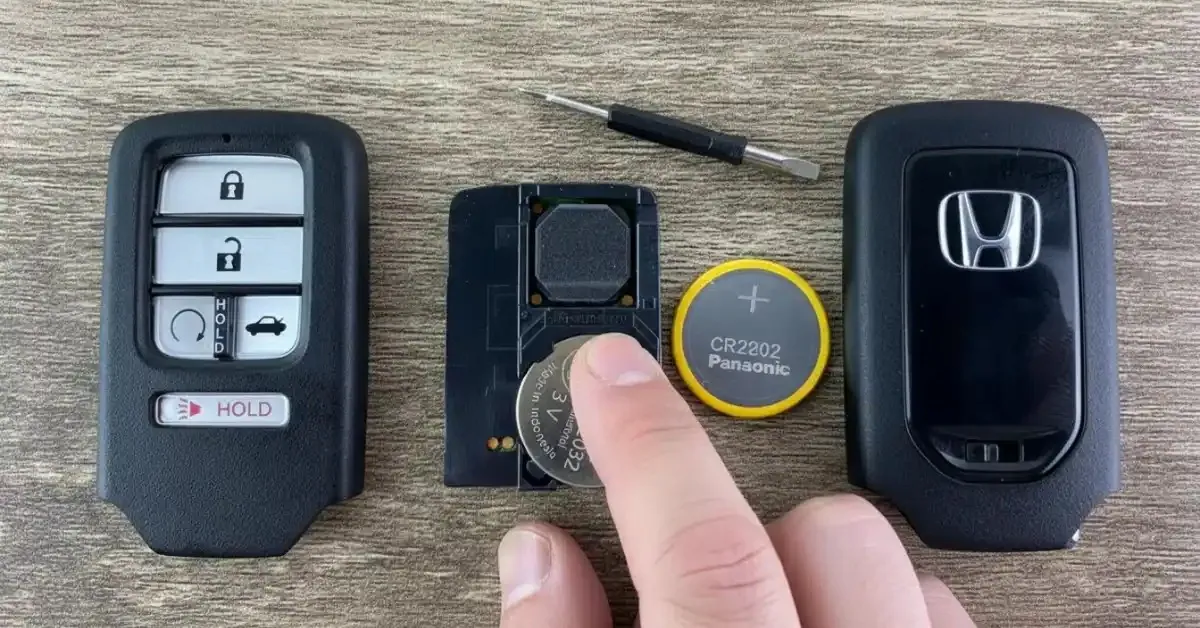
- A fresh CR2032 or CR2025 cell
- Most Hyundai keys take one of these flat, round cells; your manual says which suits your car.
- A slim flat screwdriver
- No tool? A thin coin will usually do.
Hyundai Key Battery Replacement in Six Stages
Work through these in order:
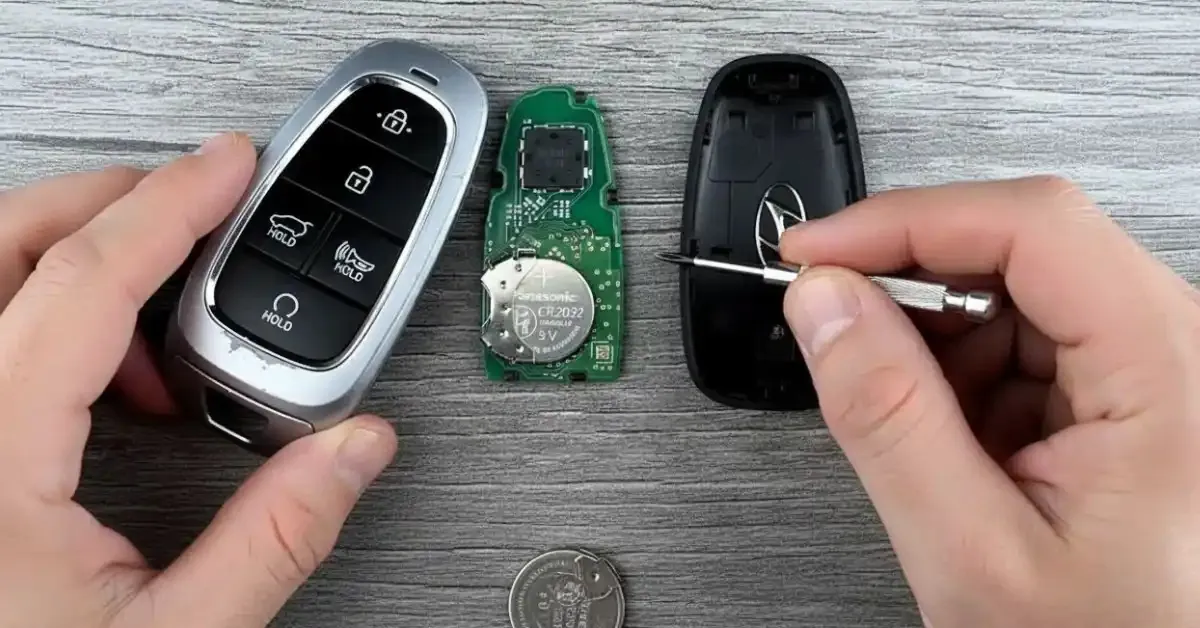
Step 1: Slide Out the Metal Key
Tucked inside every Hyundai smart key is a small metal blade.
- Push the release catch on the back.
- Draw the blade out.
Hold on to it; it gets you in if the remote ever dies completely.
Step 2: Open the Fob
Find the small slot or gap on the side of the case.
- Slip the screwdriver into it.
- Twist lightly and the two halves separate.
Take your time. No force is required, and pushing too hard can split the plastic.
Step 3: Remove the Used Cell
A round coin cell sits in the middle of the opened case.
- Lever it up with the screwdriver tip.
- Note how it was sitting, especially which way the plus (+) side faced.
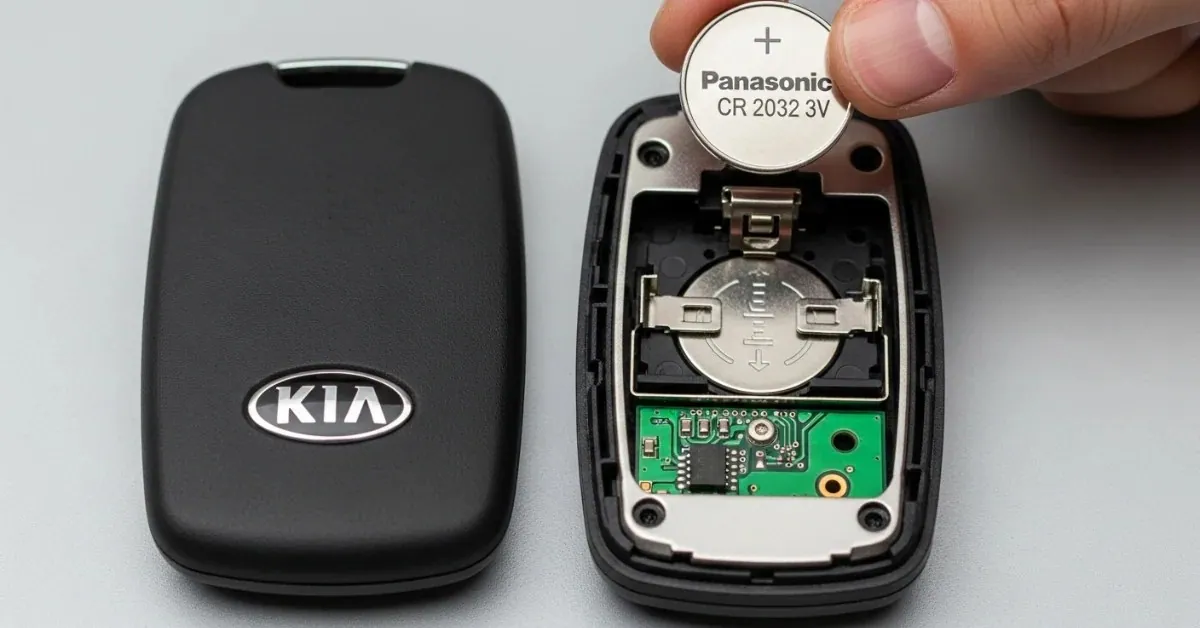
Step 4: Fit the Replacement
Seat the new cell in the same position.
- Keep the + side facing up.
- Push it down softly so it seats evenly.
Fitted upside down, it may stop the key working.
Step 5: Refit the Case
- Line up both halves and squeeze until they click.
- It should look just as it did before you opened it.
Step 6: Check the Key
- Lock and unlock your Hyundai.
- A quick, clean response means the new cell is working.
- If nothing happens, take the cell out and check how it sits.
How Long a New Cell Lasts
Expect a fresh cell to give around 1–2 years of service.
You can make it last longer by:
- Keeping the key out of the heat
- Not letting the buttons get pressed in your pocket
- Storing the spare key carefully
- Keeping the key dry
Errors That Can Damage the Fob
Small slips can harm the key. Avoid these:
- Fitting a poor or out-of-date cell
- Buying the wrong size
- Levering the case open by force
- Pressing too hard with metal tools
- Forgetting which way the old cell sat
Slow, careful work keeps the key safe.
If the Key Still Fails
The cell is not always to blame.
A Hyundai key can also stop working because of:
- Damage to the circuit board
- Water getting in
- A broken button
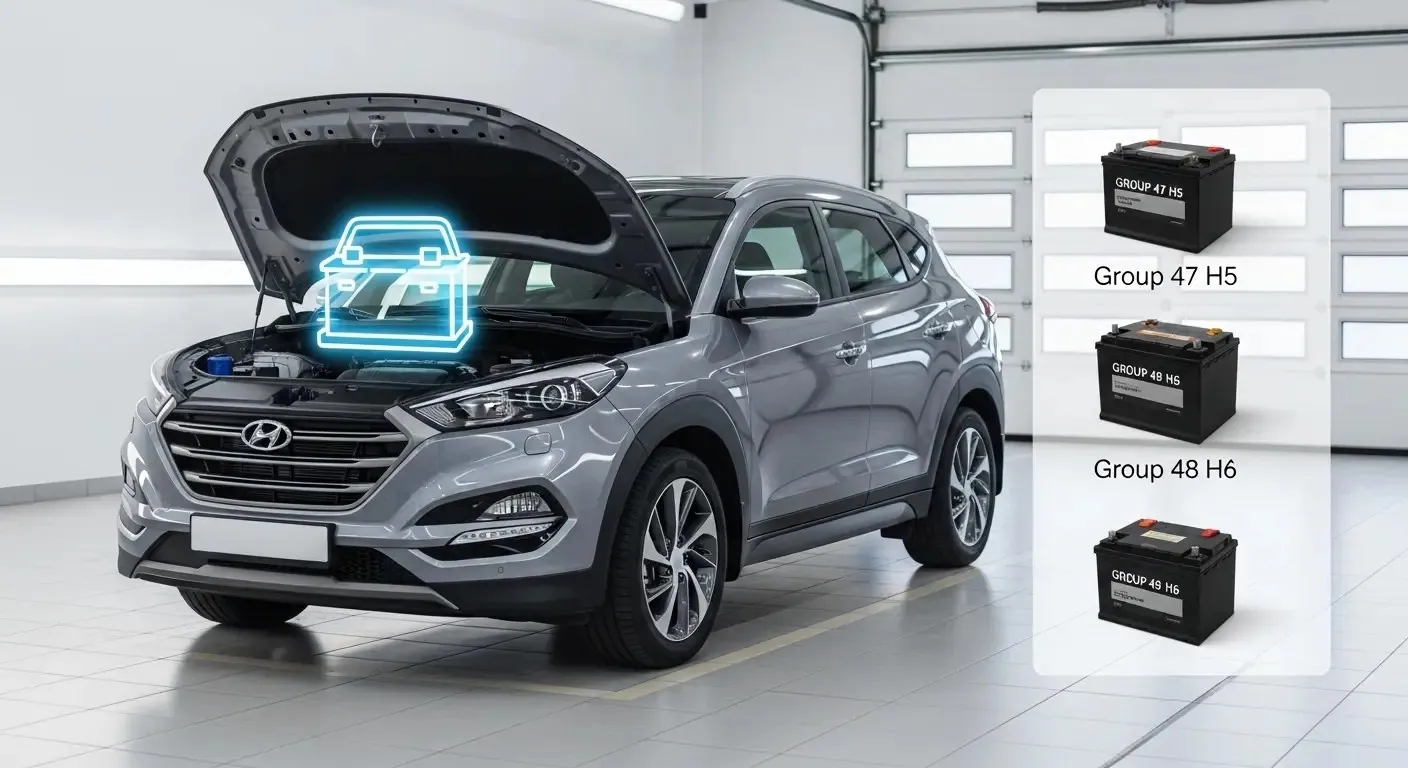
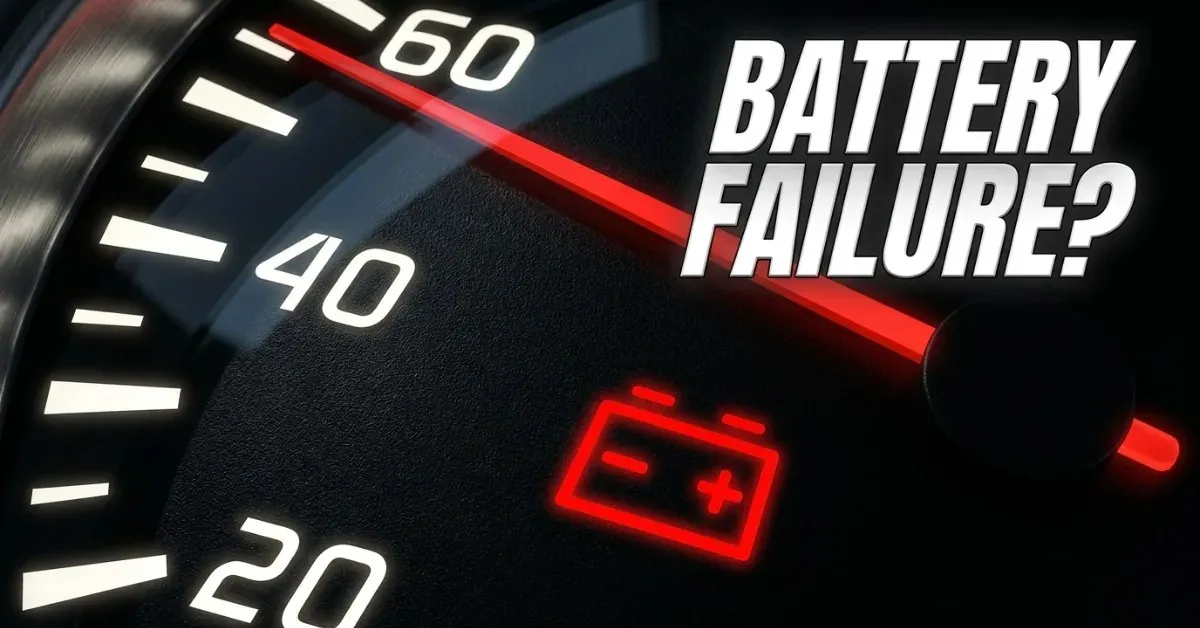
- A flat car battery
- The car failing to detect the key
When the car battery is weak, the key can appear faulty even though the fob is perfectly fine.
Then you may need help on the spot. When a Hyundai refuses to start, plenty of its UAE owners ring us.
What If a Fresh Cell Changes Nothing?
A key that stays dead with a new cell inside may not be faulty at all. A weak car battery can keep the car from detecting the key, and a jumpstart is often what gets it running again.
Sometimes the engine will not start for the simplest reason: the tank is empty. That is where emergency fuel delivery comes in.
For any unexpected breakdown, a key fault or a flat battery, a roadside assistance crew in the UAE is ready to help.
If You Lose the Key Altogether
A lost key is beyond the help of a new cell.
You will need:
- A replacement key
- Programming to the car
- Documents proving the car is yours
Hyundai dealers or reliable locksmiths in the UAE can supply a new key, though it may take a while. A spare key saves a lot of worry.
Can You Do the Job Yourself?
Yes. Most UAE drivers can manage it safely at home.
The steps are simple and need only tools you probably own already.
If you are unsure, a car battery specialist or roadside service can do it for you, and check the fob, the battery and the car's electronics while they are at it.
Reminders for UAE Drivers
A few useful points to keep in mind:
- Fit a new Hyundai key battery every 1 to 2 years.
- Carry a spare coin cell in the car.
- Protect the fob from heat and water.
- Test your keys once a week so you know they work.
Changing the cell is among the easiest car jobs you can do yourself. Should your Hyundai stay unresponsive, our team can help at any time.
Conclusion
A new key cell is quick and easy, and it saves you from surprises on the road. Follow the steps above and the key will be working again in minutes. When the trouble runs deeper, such as an engine that will not turn over because the car battery has drained, we are close by with dependable support.
Battery trouble in Dubai? We come to you.
On-site testing, replacement and roadside help, 24/7 across the city.