The short answer
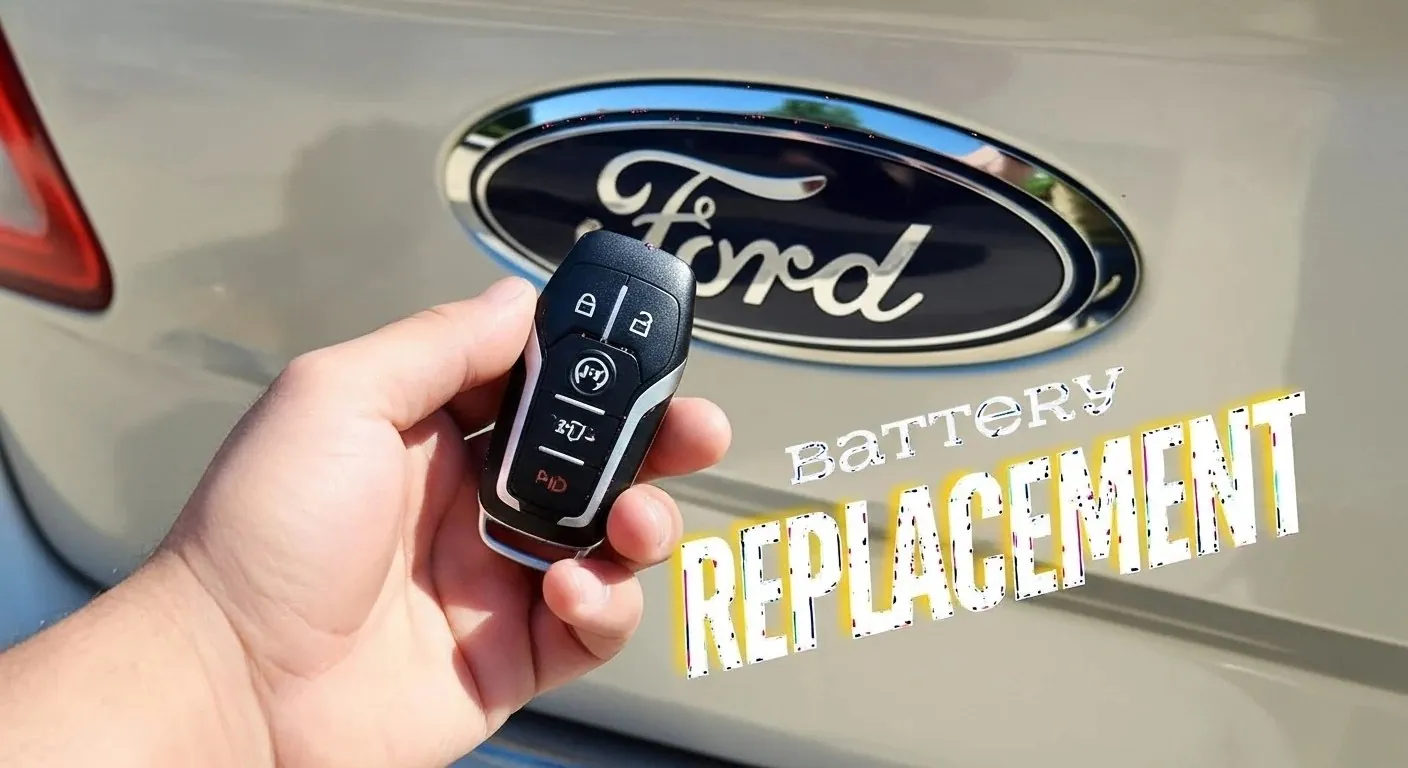
Picture yourself ready to leave, and the Ford remote in your hand does nothing. It is a tiny gadget, but a flat cell inside causes real trouble, from doors that will not open remotely to an engine that stays silent at the start button. Sooner or later nearly every Ford owner meets a weak or dead remote cell.
Fortunately, a new cell is cheap, simple to fit and a job you can finish in a few minutes. This page covers the swap itself, some care tips for the remote, and your options if the fault proves to be more than a tired cell.
Changing the Cell in a Ford Key Fob
Step 1: Find the Groove
Most Ford remotes have a thin slot or groove somewhere on the casing. Work the tip of a plastic pry tool or small screwdriver into it with care, keeping the blade shallow.
Step 2: Split the Shell
Turn gently until the halves come apart. Avoid forcing it, because heavy pressure may split the plastic.
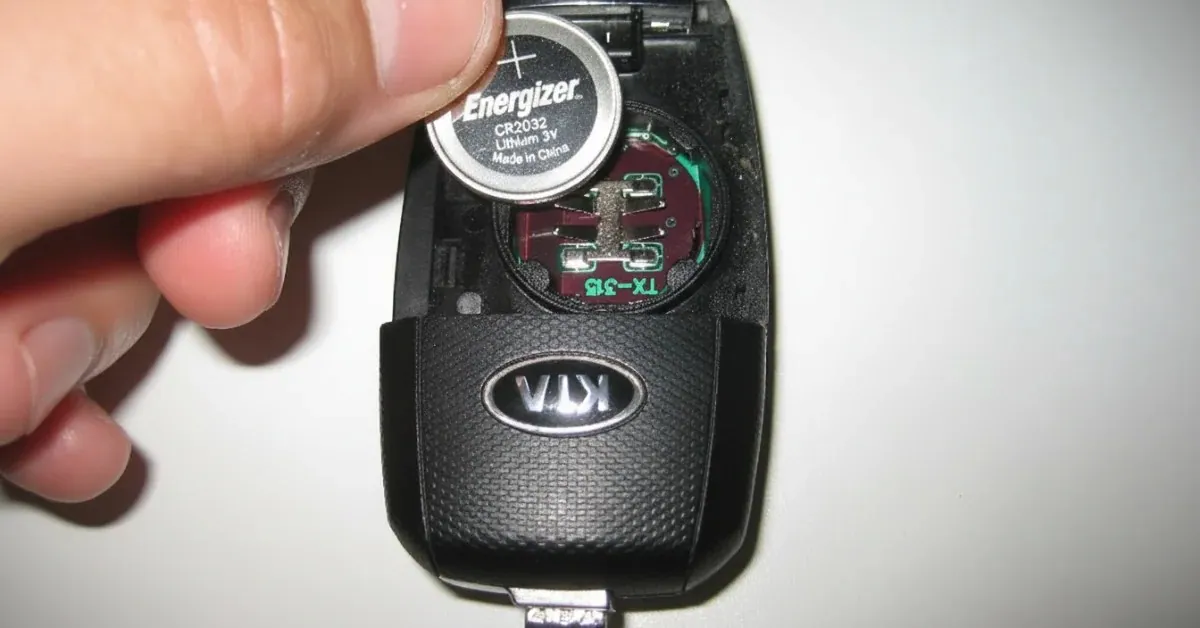
Step 3: Take Out the Spent Cell
Make a note of its orientation before you pull it out, so you know whether the positive side faced up or down.
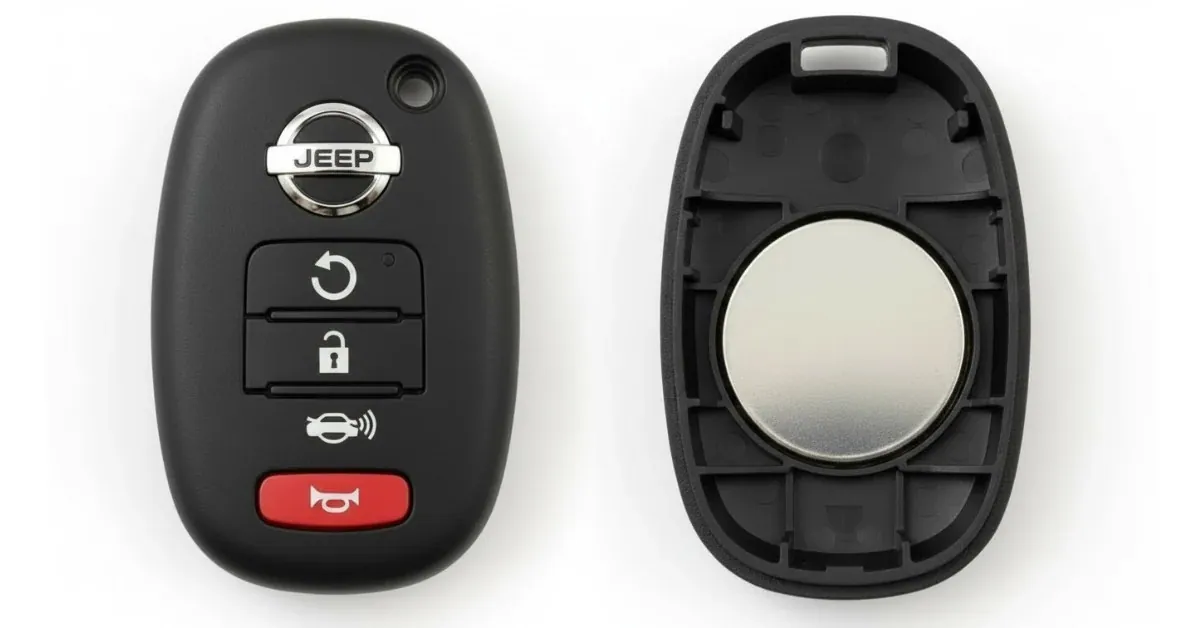
Step 4: Fit the Fresh Cell
Put the new one in the same way round, and check it lies flat without rocking.
Step 5: Put It Back Together
Press the halves firmly until they latch, then check the seam is closed all the way round.
Step 6: Test the Remote
Stand a short distance away and lock, unlock and start the car. If each works as it should, you are done.
Why This Small Cell Counts
Modern Ford remotes do far more than open doors. They tie into the car's security and ignition, and they handle:
- Locking and unlocking from a distance
- Keyless entry and push-button starting
- Opening the boot
- Setting off the panic alarm
Once the cell runs flat, all of this stops. Replace it at the first sign of weakness instead of letting it die completely.
What Lifespan to Expect
Expect a Ford remote cell to keep going for 2 to 3 years, with usage setting the exact figure. Heavy use, very high or low temperatures, or keeping the remote next to other electronics can all shorten that.
These habits drain it faster:
- Pressing the buttons again and again while out of range
- Leaving the remote on the dashboard in full sun
- Storing it right next to phones or Wi-Fi routers
Treat the remote kindly and you will be buying replacement cells far less often.
Clear Signs a Replacement Is Due
Do not wait to be locked out before you notice. The giveaway signs are:
- Shorter range, so you have to be nearer the car
- Buttons that work only some of the time
- A Key Battery Low message on the dashboard
- Total failure, with no response to any button
When any of these show up, change the cell straight away rather than hoping it recovers.
What You Need
There is no need for a mechanic. Just collect:
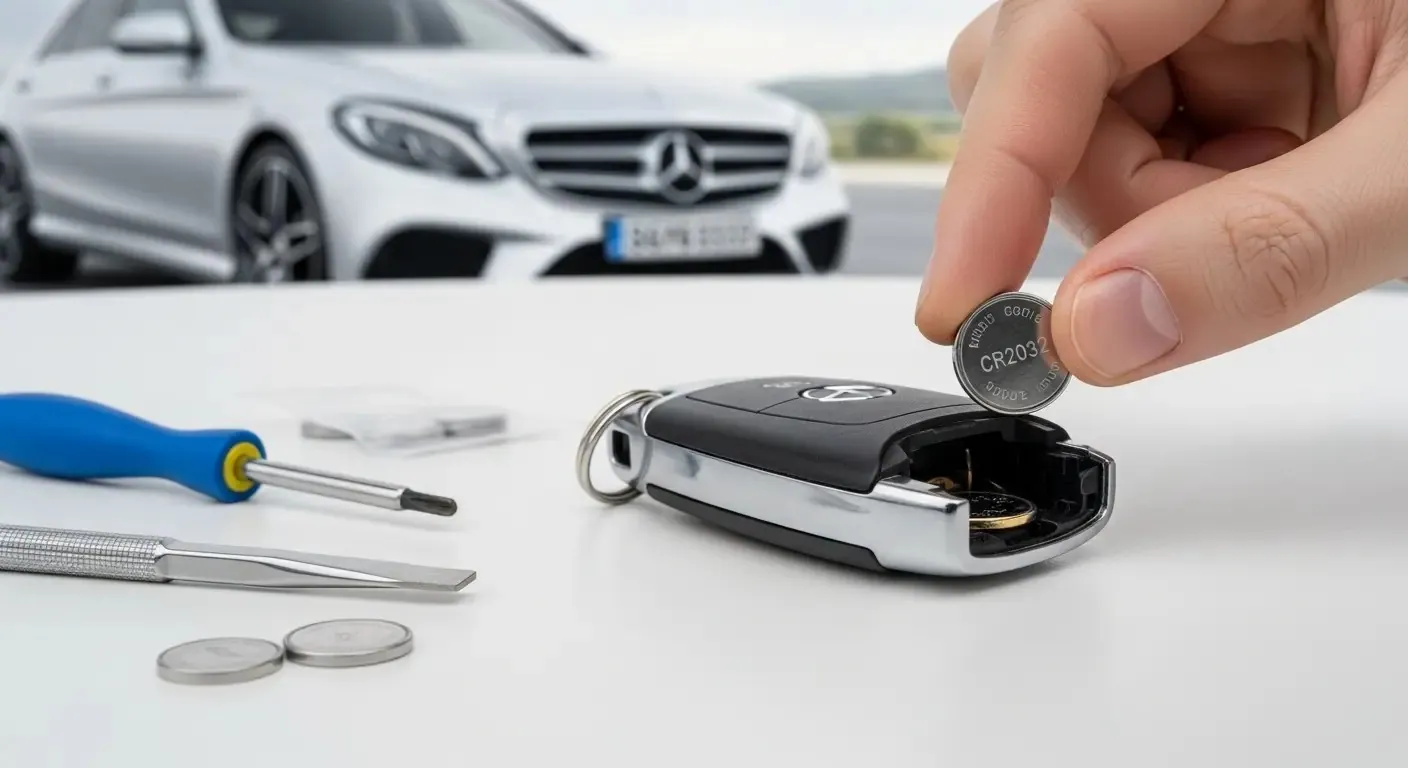
- A small flat-blade screwdriver or plastic pry tool
- The replacement cell: most Ford models take a CR2032 or a CR2450
- A soft cloth to keep the casing from being scratched
The owner's manual usually gives the exact size; if you are unsure, open the remote and look before buying.
Troubleshooting a Remote That Still Fails
If a fresh cell makes no difference, the cell may never have been the problem. Other possibilities are:
- The remote needs reprogramming
- The circuit board inside is damaged
- The car-side receiver has failed
Now it makes sense to bring in an expert. In Dubai, roadside assistance crews deal with faulty remotes and cars that will not start every single day, so they know what to check first.
An Everyday Example
Imagine walking out of a Dubai mall with your arms full of shopping when the remote will not open your Ford. You swap the cell in the car park and nothing changes. Rather than panic, you ring a jumpstart crew or roadside specialists, who deal with car battery problems and make sure the car is fit to drive again.
Extra Services When Trouble Doubles Up
Problems like to arrive together. You are already worried about the remote when you notice the fuel needle sitting on empty. Instead of abandoning the car, emergency fuel delivery in Dubai fills the tank where you are.
That is the advantage of having a service like ours on call: the cover extends well past a weak remote.
Getting More Life From the Remote
Want fewer cell changes? Try these easy habits:
- Keep it somewhere cool and dry
- Fit a silicone cover to cut down wear
- Do not throw it in a bag or pocket with coins and other keys that will scratch it
- Replace the cell every 2 years before it has a chance to die
Last Word
Swapping the cell inside a Ford key fob is about the easiest DIY job your car will ever ask of you. A new coin cell and a few minutes leave the remote working like new.
Keep in mind that faults do not always end at the remote. With roadside assistance, a jumpstart service and fuel brought to your spot in Dubai within reach, you are never really stranded, whatever the road throws up.
Learn this quick skill, know who to ring when things go wrong, and every trip in your Ford starts without worry.
One Quick Question: Which Replacement Cell?
Can any cell of the right size go in? Yes, though a cell from a trusted brand tends to last longer.
Battery trouble in Dubai? We come to you.
On-site testing, replacement and roadside help, 24/7 across the city.